![Xenex Logo-6.png]](https://resources.xenex.ca/hs-fs/hubfs/Xenex%20Logo-6.png?height=40&name=Xenex%20Logo-6.png)
Let's show you how to add two numbers!
Step 1
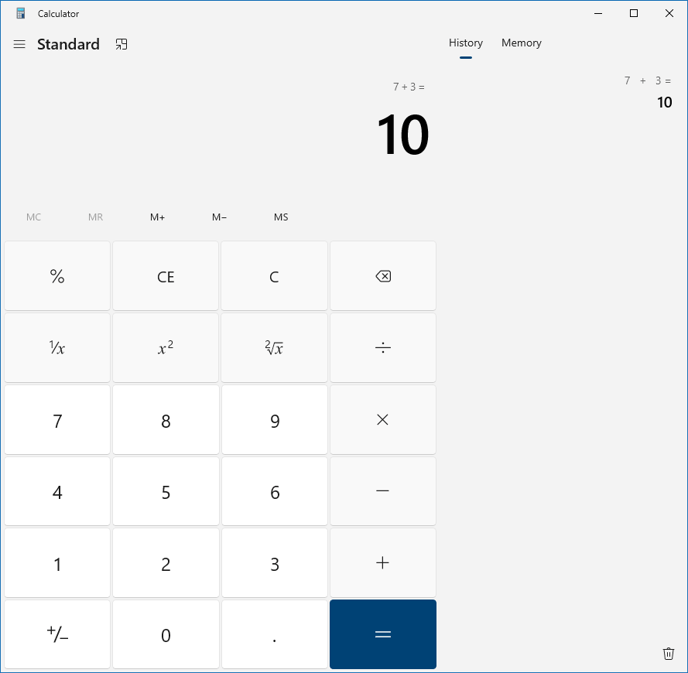
Think of the first number. For this demo, I will use the number 7.
Step 2
Think of the Second number. For this demo, I will use the number 3.
Step 3
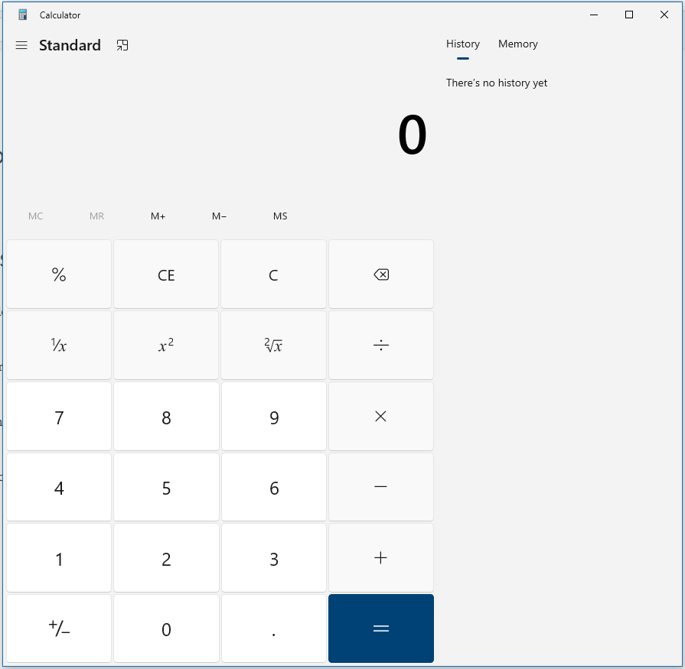
Open the calculator on your machine.
Step 4
Enter the first number, hit the plus button, enter the second number, and finally hit the equals to button.
You will get your final answer. (see image below)